Getting started with BodhaBot
Set up a chatbot that answers from your website and documents, then publish it as a widget or connect it to your own chat interface.
Sign in to the dashboard
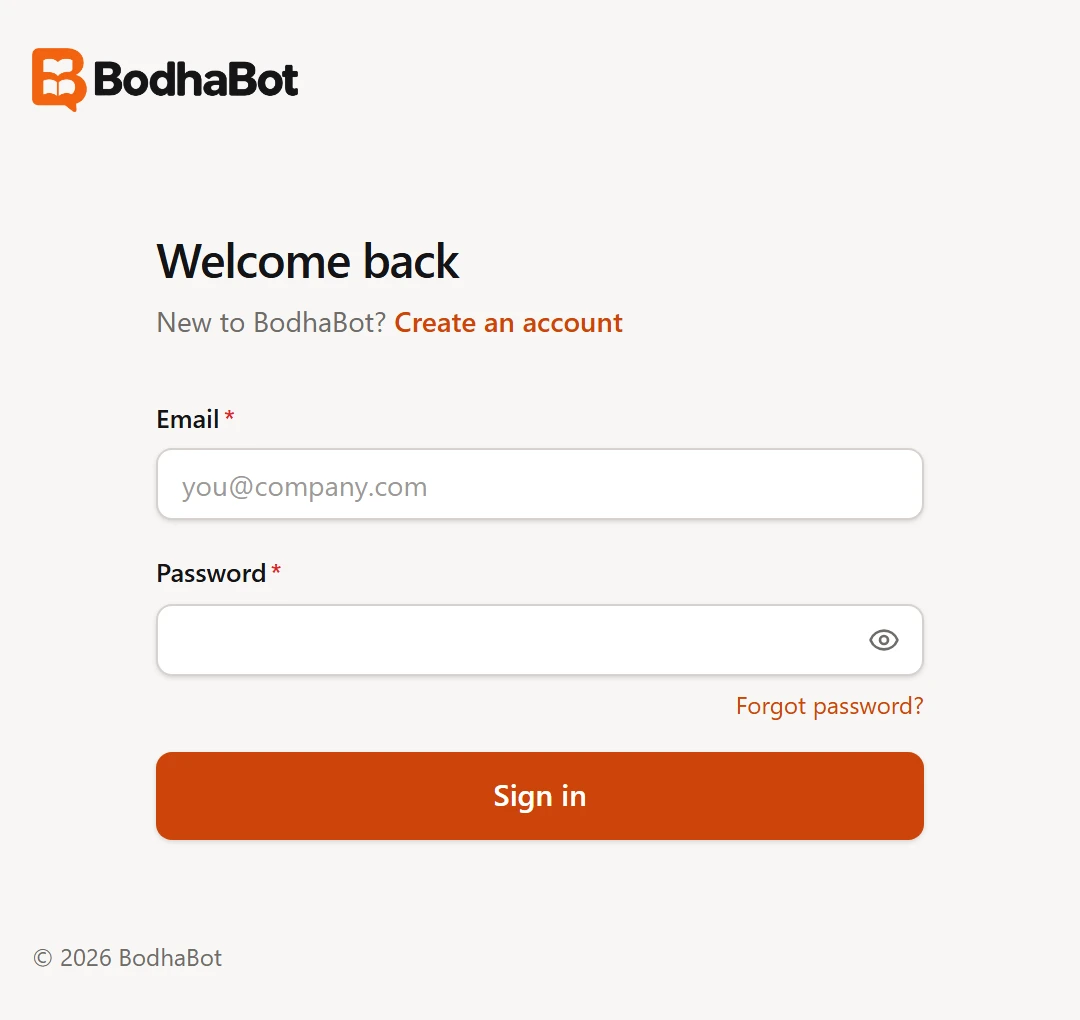
Enter your BodhaBot email and password to open the dashboard. Sign in
From website to first reply
- Add a website. Open All websites, select Add website, and enter your site's address. Leave Import pages from this website on to start a crawl. BodhaBot creates a workspace and a draft chatbot. Open All websites
- Add and review knowledge. In the workspace, open Knowledge. Wait for your first sources to show Ready, then add any missing pages, FAQs, or files. Add knowledge
- Configure and test the chatbot. Open My Chatbots to edit the welcome message, appearance, and answer settings. Use the workspace Playground to try real visitor questions before you go live. Configure and test
- Go live and integrate. Set the chatbot's status to Live. Open Integration, select your chatbot, and copy the snippet for your platform. For a custom chat interface, use the REST API tab. Install the widget · Use the REST API
- Verify your first conversation. Send a question from the published site or your integration and look for the conversation in Analytics. Verify and troubleshoot